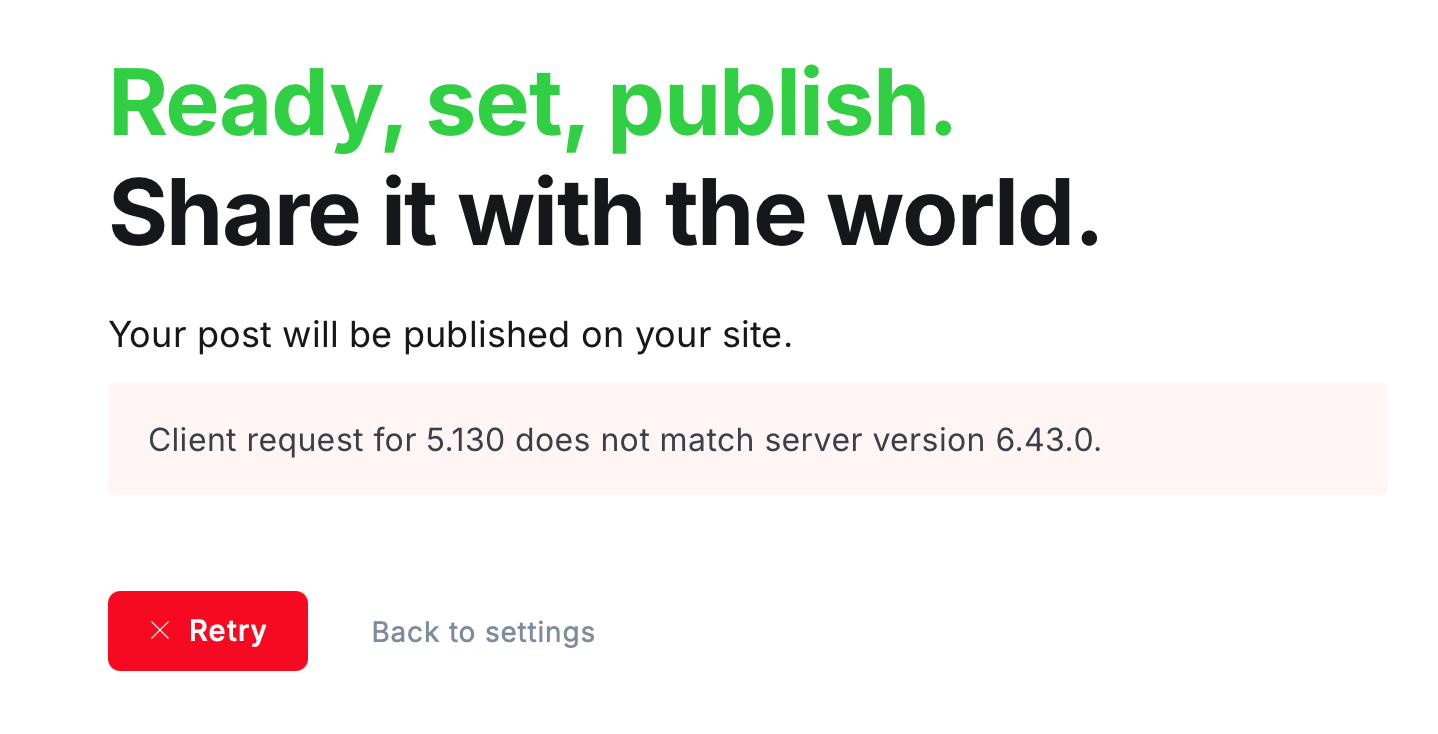
Upgrading Ghost v5 to v6

Docs: https://docs.ghost.org/update
It’s that time again when I need to update ghost. Yet again, I am a major version down and yet again the version of node I have installed is not sufficient.
How it goes tiddly pom
I checked on the admin interface and there was an update, then had a look at some previous notes.
sudo npm -i -g ghost-cli@latest(from previous instructions)- Ton of warnings about unsupported node version
grepfor how I installed node, can’t find anything in the bash history- Get a link to the previous instructions on wayback machine. Seems I must have done it this way because all the infrastructure exists. Apparently I used these instructions: https://web.archive.org/web/20250525031016/https://ghost.org/docs/install/ubuntu/
The node source is set to version 18 and I now need version 22 (very specific, no other versions are supported).
sudo vi /etc/apt/sources.list.d/nodesource.listand update from 18.* to 22.*sudo apt update && sudo apt upgradenode -vis now 22ghost check-update- shows major version availableghost doctor- all okghost backup- kept failing to find my most recent password, got there in the end
Annoyingly there are literally no instructions online about how to upgrade from any v5 to latest v6. I have to do ghost update and then get told by the prompt.
ghost update- read prompt which isn't going to allow me to do this but finally has the instructionsghost update v5- success, now writing this to check all okghost backup
The more it goes
Oh my gosh, previously I was asked for my admin username and password which threw me a bit being asked to type it into a CLI, but now I am being asked for a "Ghost Staff access token". Is this some kind of left over token I shouldn't be seeing in some internal build?
On snowing
ghost update
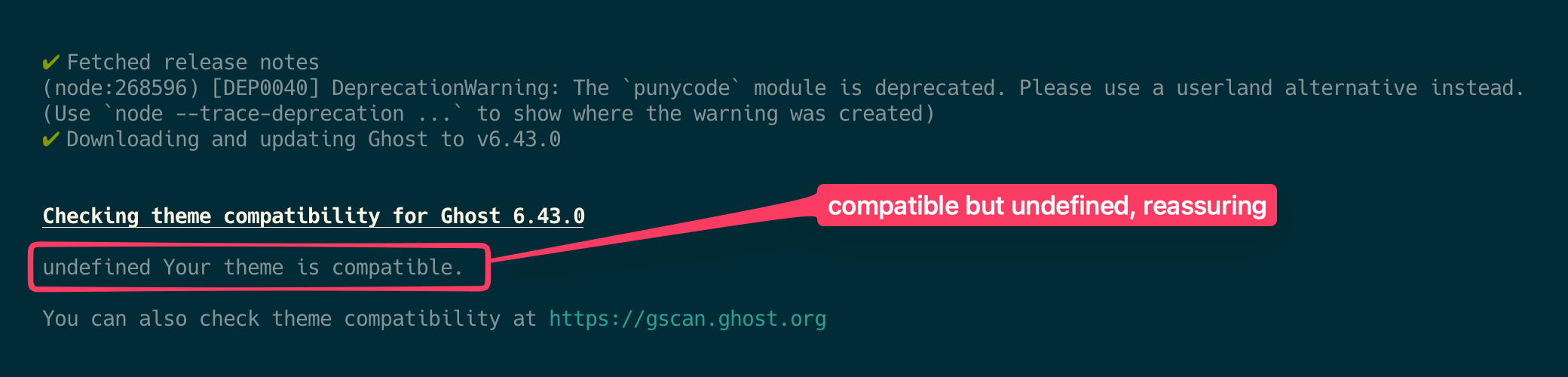
And we're there.
or are we...